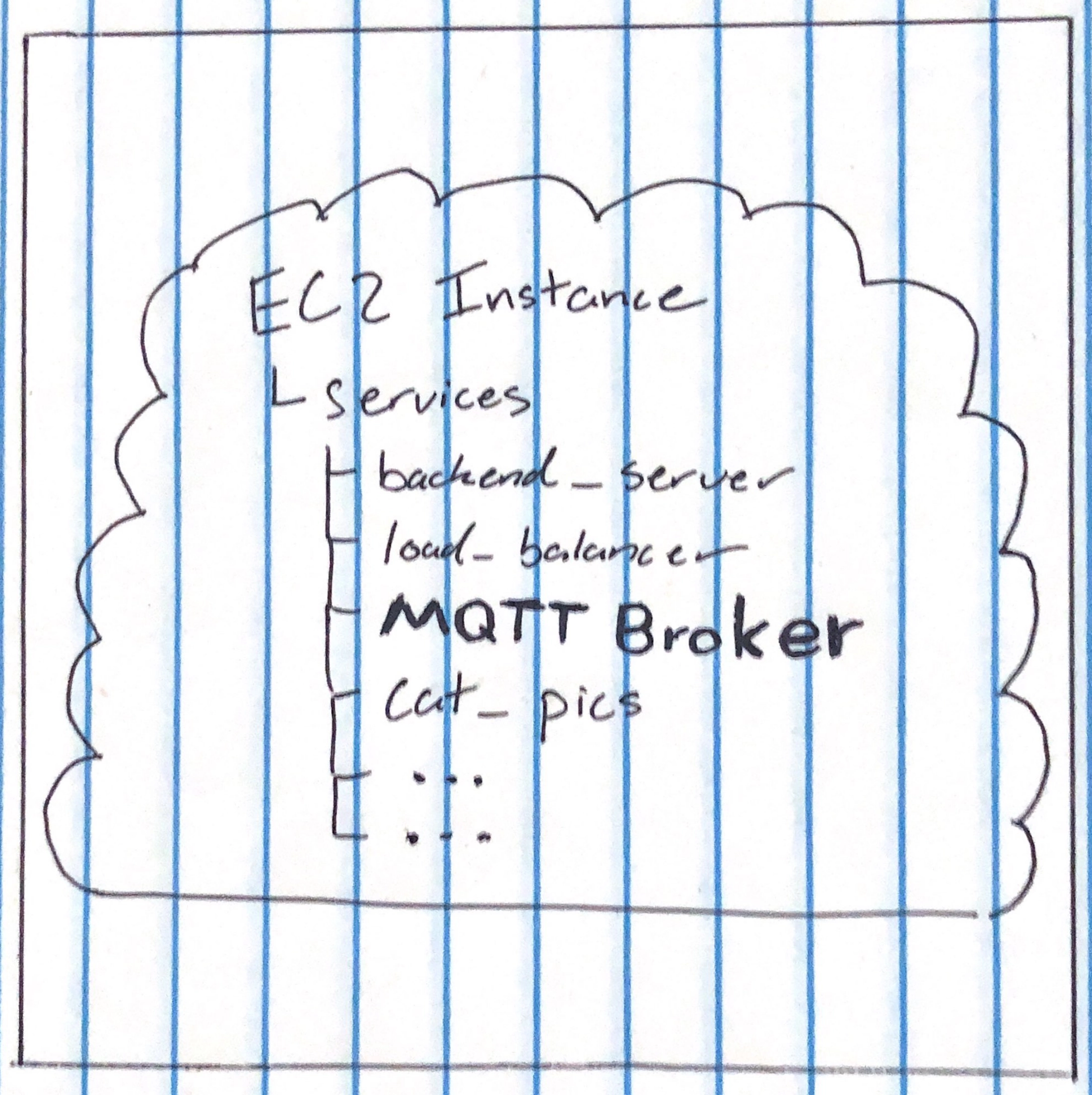
Setting Up a MQTT Broker on EC2
Or, how to talk to your smart fridge from the cloud
Why???
I go into this problem more in the README for this Github project (light_listener) but the TLDR is that it's really hard to send data from the cloud to an edge device. Your wifi router does a wonderful job protecting anything in your home from outside attack, and unless you want to go into it and mess with some config stuff that means you can't just "send" data to anything unless it asks for it.
The most reasonable solution here is to use the MQTT protocol. This way, your device always has a lightweight connection to your "broker" in the cloud that will relay any information to your device you'd like it to.
What you need
- An AWS EC2 instance
- Homebrew (on mac)
- Mosquitto installed locally
How to do it
1. SSH into your EC2 instance
Guide on how to do that really fast and cool here
2. Install, enable, and start Mosquitto
sudo apt update
sudo apt install -y mosquitto mosquitto-clients
sudo systemctl enable mosquitto
sudo systemctl start mosquitto
You can just copy and paste this into your terminal then hit enter.
Explanation of code block:
- Get a list of package updates you might need
- Install the packages mosquitto and mosquitto-clients that let you run the broker and communicate with it (-y is a flag that automatically says yes to the "do you want to install" prompt)
- Register moquitto to automatically start when the system restarts (in case your instance ever goes down)
- Start the broker
3. Test the broker locally
mosquitto_sub -t test &
mosquitto_pub -t test -m "Hello friend"
Explanation of code block:
- Subscribe to the (-t) topic "test" (& runs this command in the background so you can keep running other commands while this one listens)
- Publish to the topic "test" the (-m) message "Hello friend"
You should see the string "Hello Friend" appear in your EC2 terminal.
4. Test the broker remotely
Open a terminal window on your computer and run the following:
mosquitto_pub -h your-ec2-ip -t test -m "Hello from my computer"
You should see the string "Hello from my computer" in your EC2 terminal.
Congrats!
Now you have a remote MQTT broker that you can publish/subscribe to with just an internet connection!
I'd highly recommend adding a username and password to your broker so that the bad people don't find and spam it. But take a moment and send a few messages, this is really sick.